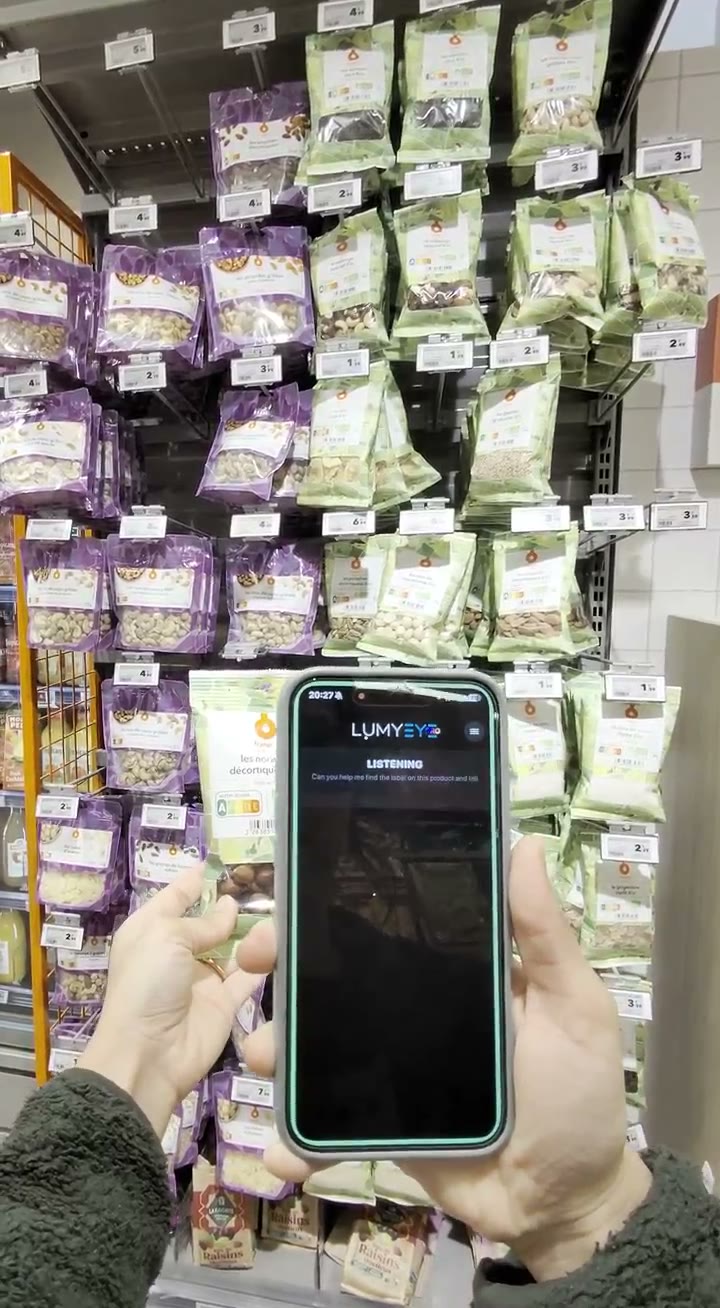
How this feature works
To request Vision mode from the main screen, tap once without a screen reader; with VoiceOver on iPhone or TalkBack on Android, double-tap. Say “Vision mode”, then point the camera at what you want to observe and ask your questions. A Vision Live session is separate from an indoor object search or opening a route in Google Maps.
For example, point the camera at a sign and ask what it says. Check the answer against your surroundings and keep using your usual mobility aids.
The video stream is continuous and streamed in real time to the AI, but no answer is emitted without a question: there is no automatic description. You can chain questions on the live stream: "read this shop window", "what's the street number?", "is there a bus stop nearby?". Vision Live recognizes shop windows, street furniture (benches, newsstands, trash cans), construction signs, directional signs, street numbers, business names, but only on your request.
Vision Live is a visual assistant; it does not replace the white cane, guide dog or human alertness. It must not be used to decide when to cross a street. Particularly useful for users with retinitis pigmentosa (tunnel vision) or glaucoma (reduced visual field) who need to compensate for the loss of peripheral vision. iOS 17.6+ and Android 9+, $16.99/month. The flagship feature that justifies the Pro edition on its own.