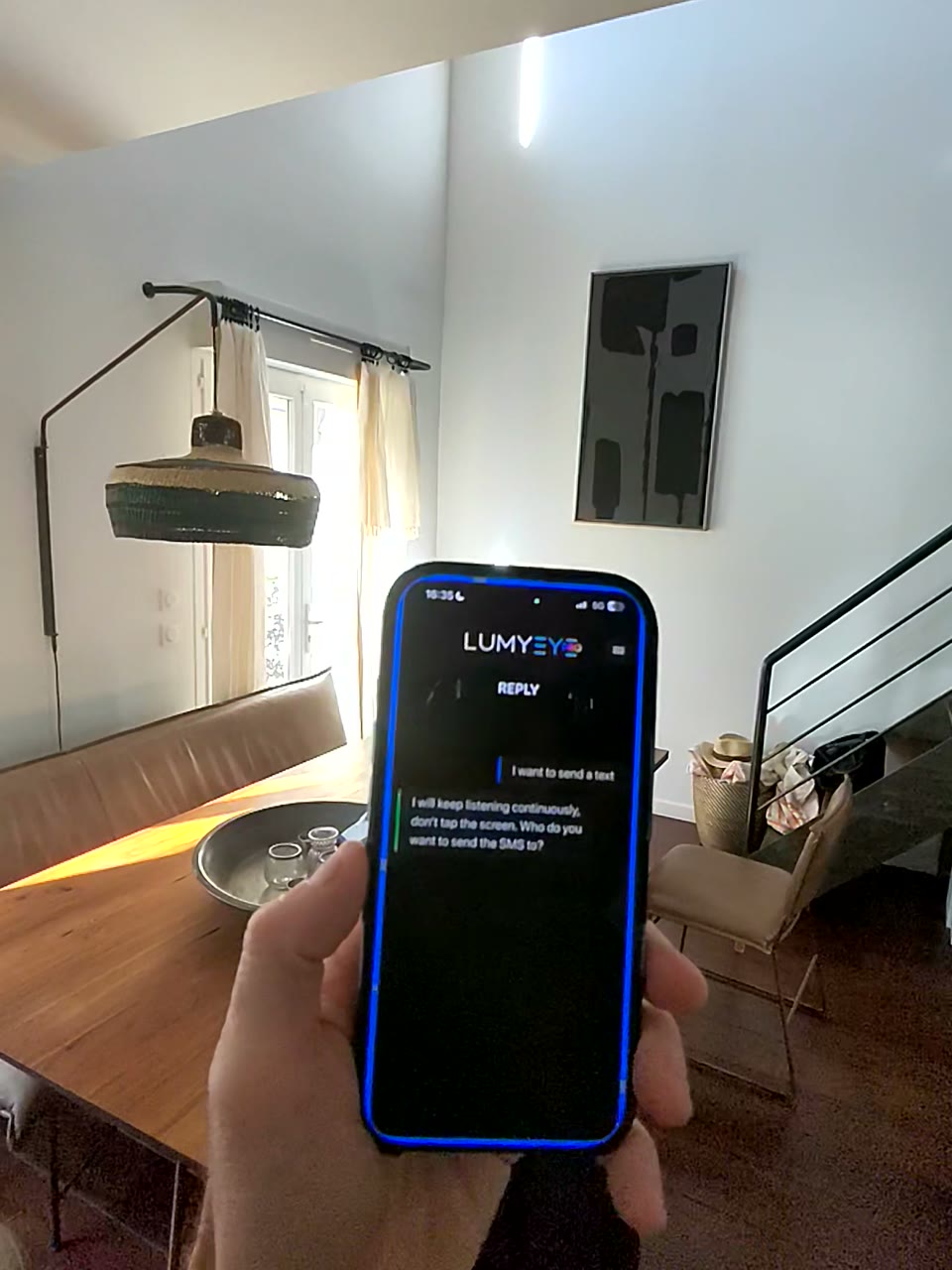
Sample transcript and context
Ask Lumyeye Pro to call a person saved in your contacts, such as Dad. On the first contact search, allow the app to access Contacts. Later contact searches use that permission automatically. You can also say a phone number digit by digit.
This demonstration was recorded without VoiceOver. After Lumyeye Pro prepares the call, the phone displays a Call button. With VoiceOver enabled, activate that button to place the call.
Lumyeye Pro prepares a call from a saved contact or a spoken number. The phone handles the final confirmation and the call itself.