Lumyeye - AI app for blind and low-vision users
Lumyeye Pro exclusive — available on iPhone 16+, from $16.99/month. See pricing →

← Video library

What time is it — by voice

"Lumyeye, what time is it?" — the answer comes back in a natural warm voice, with no mechanical beep, without enabling VoiceOver, without searching for the Clock icon. A double-tap is enough.

Sample transcript and context

"What time is it?" Natural warm voice: "It is 8:23 AM, Thursday April 9." No mechanical beep. No need to enable VoiceOver. No need to find the Clock icon. A double-tap is enough.

Useful variants: "How long until 10 AM?", "How long since this morning?", "What day is it?", "When is the Fourth of July?". Lumyeye Pro answers in natural English. Compatible with time zones for travel: ask "What time is it in Tokyo?" and Lumyeye Pro reads the local time.

The voice time feature is on demand: Lumyeye Pro does not schedule alarms or reminders (use Siri or the native Clock and Reminders apps). For older users who lose track of time, a reassuring feature.

Pro vs Classic: Lumyeye Classic announces the current time via VoiceOver; Lumyeye Pro answers with the natural warm iOS 16+ voice, faster and smoother. iPhone 16+, $16.99/month.

Frequently asked questions

Time by voice — your questions.

Does Lumyeye Pro work with time zones when traveling?

Yes. Lumyeye Pro uses your GPS to announce the local time wherever you are. You can also ask explicitly "What time is it in New York?" to plan a call to a relative abroad.

Can I set alarms with Lumyeye Pro?

No. Lumyeye Pro answers "what time is it?" by voice, but does not schedule alarms or reminders. For those, use Siri ("Hey Siri, wake me up at 7") or the native Clock and Reminders apps on iOS.

Can Lumyeye Pro compute a duration between two moments?

Yes. Ask "How long until noon?" or "How long since 8 AM?". The AI answers in hours and minutes. Useful to estimate a cooking time or a delay before an appointment.

Does voice time integrate with my iPhone calendar?

No. Voice time in Lumyeye Pro is a simple feature, announcing the time and date. To read your Calendar appointments, use Siri which natively integrates with the iOS Calendar app.

How do I activate the listening?

Tap or double-tap anywhere on the screen. No wake phrase to memorize, no button to aim at. The answer comes back in a natural warm voice, not VoiceOver.

Testimonial

Henri, 82, Nantes.

"My talking watch needed a new battery every four months and the voice was robotic. With Lumyeye Pro, I just say 'what time is it' and a warm voice answers. I ask twelve times a day. My grandson set it up; I didn't have to touch anything."

— Henri, 82, Nantes, AMD + reduced fine motor skills

Practical tips

Use voice time with Lumyeye Pro.

  1. Combine with date and day. Lumyeye Pro answers "It is 8:23 AM, Thursday April 9". Ask the date alone with "What day is it?".
  2. Use duration variants. "How long until noon?" or "How long since 8 AM?" return an answer in hours and minutes.
  3. Time zone for travel. "What time is it in New York?" reads the local time without changing your iPhone settings.
  4. Alarms and reminders go to Siri. Voice time in Lumyeye Pro is on demand only. For alarms, use Siri or the Clock app.
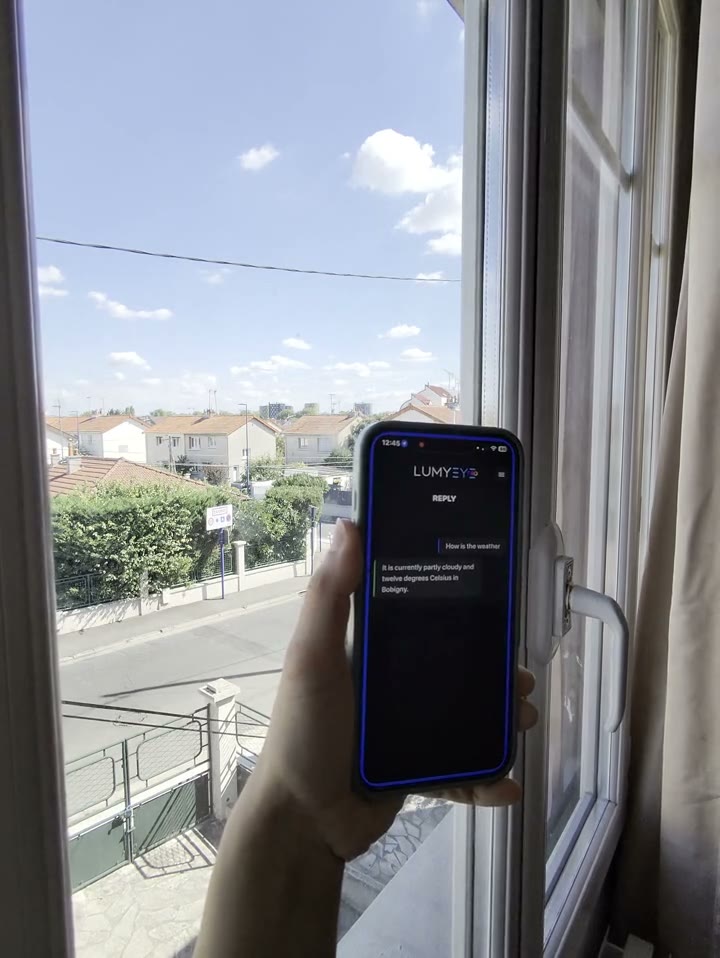
  5. Combine with weather to plan your morning. Right after asking the time, ask for the weather: two pieces of info in 5 seconds.

Try Lumyeye Pro.

Lumyeye Pro on iPhone 16+, from $16.99/month. Free trial, no credit card.

Download Lumyeye See all demos

Direct download

Try Lumyeye Pro in 1 tap.

40 free queries · no credit card · no account required.

Download on the App Store →