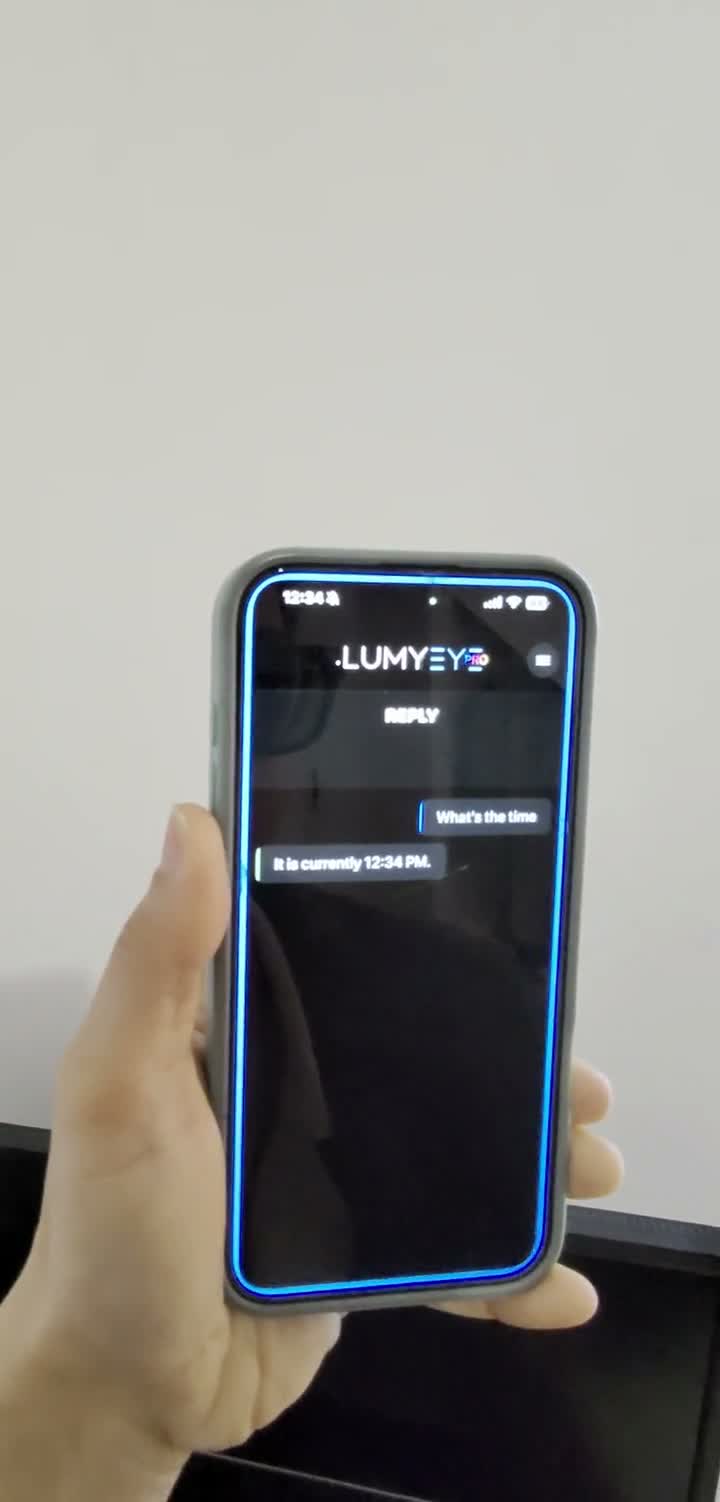
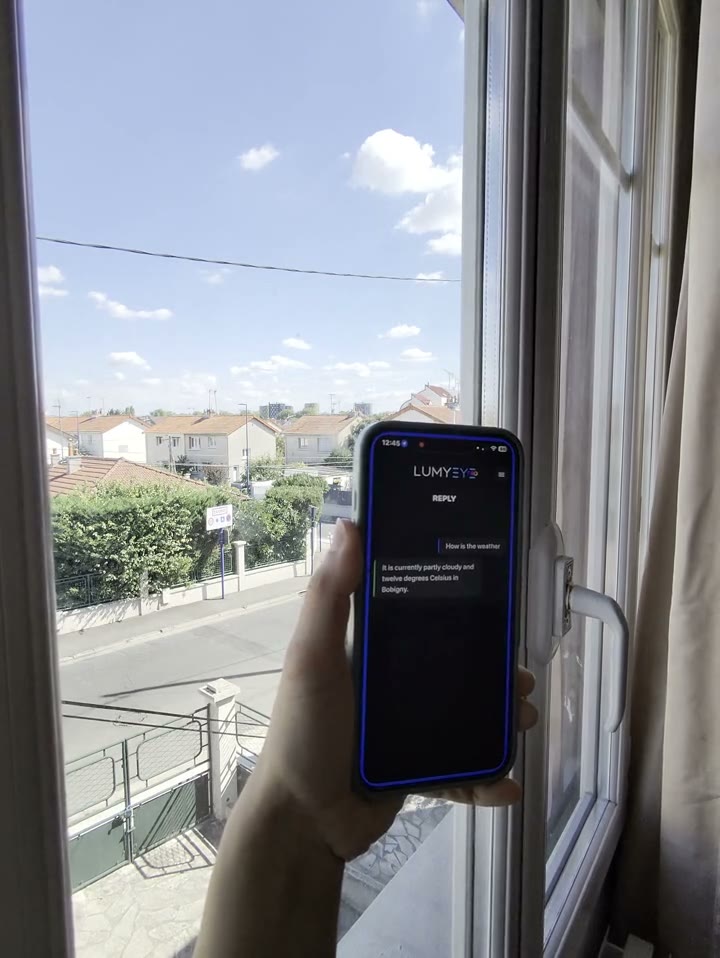
Lumyeye - AI app for blind and low-vision users
Lumyeye Pro exclusive — available on iPhone 16+, from $16.99/month. See pricing →

← Video library

Battery level by voice

"Lumyeye, what is my battery level?" — Lumyeye Pro replies aloud with the current percentage in a natural warm voice, not VoiceOver. On-demand, no proactive notifications. iPhone 16+ exclusive.

Sample transcript and context

Henri, 70, has been living with exudative AMD for eight years. He uses Lumyeye Pro seven to nine hours a day. His main anxiety: no longer seeing the battery icon in the top-right corner of the screen.

The Lumyeye Pro voice battery feature replies aloud: "What is my battery level?" — "You have 32 percent left." You can also ask "Is my iPhone charging?" and Lumyeye Pro reads the state shown on screen.

The feature is voice-triggered by the user. Lumyeye Pro does not send proactive notifications, does not schedule automatic alerts at a given threshold, and does not track battery in the background. For native iOS features (auto low-power mode at 20%, per-app usage stats, battery health), use iOS Settings — Lumyeye Pro can read those screens aloud when you open them.
Pro vs Classic: Lumyeye Classic also offers voice battery response; the Pro version uses the natural warm iOS 16+ voice, smoother than VoiceOver. iPhone 16+ exclusive, $16.99/month.

Frequently asked questions

Battery by voice — your questions.

Does Lumyeye Pro send automatic battery alerts?

No. Lumyeye Pro replies aloud when you ask for the battery level. The app does not send proactive notifications or scheduled alerts at a given threshold. For auto low-power mode at 20%, iOS handles it in Settings.

What does Lumyeye Pro say when I ask for the battery level?

Lumyeye Pro reads the current percentage aloud ("You have 32 percent left") and indicates whether the iPhone is plugged in. You can also ask "Is my iPhone charging?" or "How much is left?".

Does iOS Low Power Mode interfere with Lumyeye Pro?

No. iOS Low Power Mode disables some power-hungry system features (5G, background refresh, max brightness) but does not block Lumyeye Pro. Voice commands and audio playback remain available.

Does Lumyeye Pro track battery usage statistics?

No. Lumyeye Pro does not provide a battery dashboard or app-usage ranking. That info is available in iOS Settings > Battery; Lumyeye Pro can read the screen aloud when you open it.

How do I ask for the battery level?

You tap or double-tap anywhere on the screen in Lumyeye Pro to activate listening, then say "What is my battery level?" or "How much battery do I have left?". Lumyeye Pro answers in a natural warm voice.

Testimonial

Henri, 70, Lille.

"Since my AMD, I can no longer see the little battery icon at the top of the screen. With Lumyeye Pro, I just ask — the answer comes back in a warm voice, not a robotic one. I plug in when needed. No more anxiety about a dead phone in the middle of a video call with my grandchildren."

— Henri, 70, Lille, exudative AMD

Practical tips

Master your iPhone battery with Lumyeye Pro.

  1. Ask before going out. Before leaving home, ask "Lumyeye, what is my battery level?". You'll know if you need to charge or take a power bank.
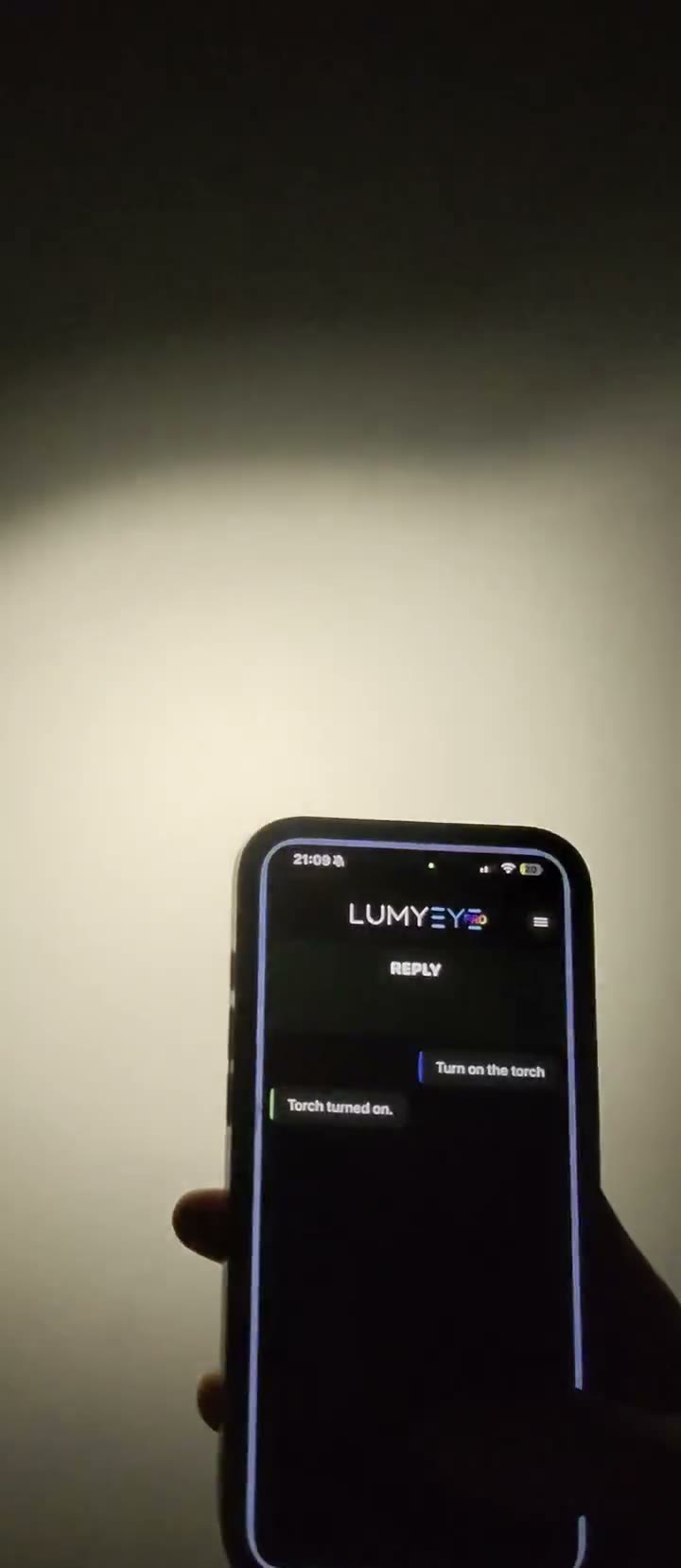
  2. Pair with the LED flash for evening errands. The LED flash drains the battery fast. Check the level before a long evening walk.
  3. Use iOS Low Power Mode below 30%. iOS auto-enables Low Power Mode at 20%. You can enable it manually earlier; Lumyeye Pro keeps working normally.
  4. Check battery health in iOS Settings. Open Settings > Battery > Battery Health, and ask Lumyeye Pro to read the screen aloud. Below 80% maximum capacity, consider a battery replacement.
  5. Don't rely on automatic alerts — ask on demand. Lumyeye Pro does not send proactive notifications. Ask the question whenever you want to know.

Try Lumyeye Pro.

Lumyeye Pro on iPhone 16+, from $16.99/month. Free trial, no credit card.

Download Lumyeye See all demos

Direct download

Try Lumyeye Pro in 1 tap.

40 free queries · no credit card · no account required.

Download on the App Store →