Lumyeye - AI app for blind and low-vision users
Lumyeye Pro exclusive — available on iPhone 16+, from $16.99/month. See pricing →

← Video library

Identify clothing colors

Photograph a garment, Lumyeye Pro reads the precise color, fabric and condition, then suggests a match ("navy shirt + beige pants: yes"). Detects stains and patterns. Ideal for AMD or central contrast loss.

Sample transcript and context

Mrs. Martin photographs a garment laid on her bed. Lumyeye Pro reply: "It's a navy blue long-sleeve shirt. Smooth cotton fabric. No apparent patterns. Good condition." Follow-up: "What pants would go with it?" Lumyeye Pro suggests: "Beige, light gray or black pants will work. Avoid dark brown which would be monochrome."

Useful for AMD central contrast loss, cataracts dull colors, diabetic retinopathy spotty vision. Quick identification of primary + secondary colors + shades. Possibility to ask: "Is this stain a coffee mark?" to check cleanliness.

The AI analyzes RGB colors and visual patterns, with an extensive color reference (more than 200 named shades). It also reads the care label for exact composition.

Pro vs Classic: Lumyeye Classic identifies colors and patterns; Lumyeye Pro adds match evaluation between pieces and conversational wardrobe memory. iPhone 16+, $16.99/month.

Frequently asked questions

Clothing & colors — your questions.

Does Lumyeye Pro recognize patterns (stripes, flowers, checks)?

Yes. The AI describes visible patterns: "white shirt with thin navy stripes", "black polka dots on pink background", "jacquard sweater with gray and beige diamonds". Accuracy is high for sharp contrasting patterns, more approximate for faded patterns or backlit photos.

Can the AI detect a stain on a garment?

Yes, for visible stains (coffee, tomato sauce, fresh grease). Ask explicitly "Is there a visible stain?". For very light stains on light fabric or very dark on dark, accuracy is lower. Recommended to combine with a touch test.

Does Lumyeye Pro recognize fabrics (wool, silk, cotton)?

Partially. The AI can guess a probable fabric from appearance ("seems to be a wool sweater" or "shiny silk-type fabric"), but does not replace reading the care label. For the exact composition, ask it to read the inner tag.

Does the AI suggest outfit matches?

Yes. After scanning several pieces, ask "Does this shirt go with these pants?". Lumyeye Pro evaluates color harmony and gives an opinion. Useful for formal occasions where elegance matters.

How do I trigger clothing identification?

Tap or double-tap anywhere on the screen in Lumyeye Pro to activate listening, then point the camera at the garment and say "What color is this?". The answer comes back in a natural warm voice.

Testimonial

Brigitte, 65, Bordeaux.

"With my AMD, I had stopped picking outfits and went with the same gray dress every day. Lumyeye Pro got me back to dressing freely: I photograph two or three pieces, the app suggests a match, I leave in 90 seconds. I rediscovered my closet."

— Brigitte, 65, Bordeaux, AMD with central contrast loss

Practical tips

Pick outfits independently with Lumyeye Pro.

  1. Photograph in natural light. Daylight or a warm bedroom light. Better contrast = more accurate color identification.
  2. Ask for fabric and condition. Lumyeye Pro reads color, then fabric and general condition. Useful to choose for the day's weather.
  3. Ask for an outfit match. After identifying two pieces, ask "do they go together?". The app evaluates color harmony.
  4. Have the care label read. For exact composition (wool, silk, cotton), ask the app to read the inner tag.
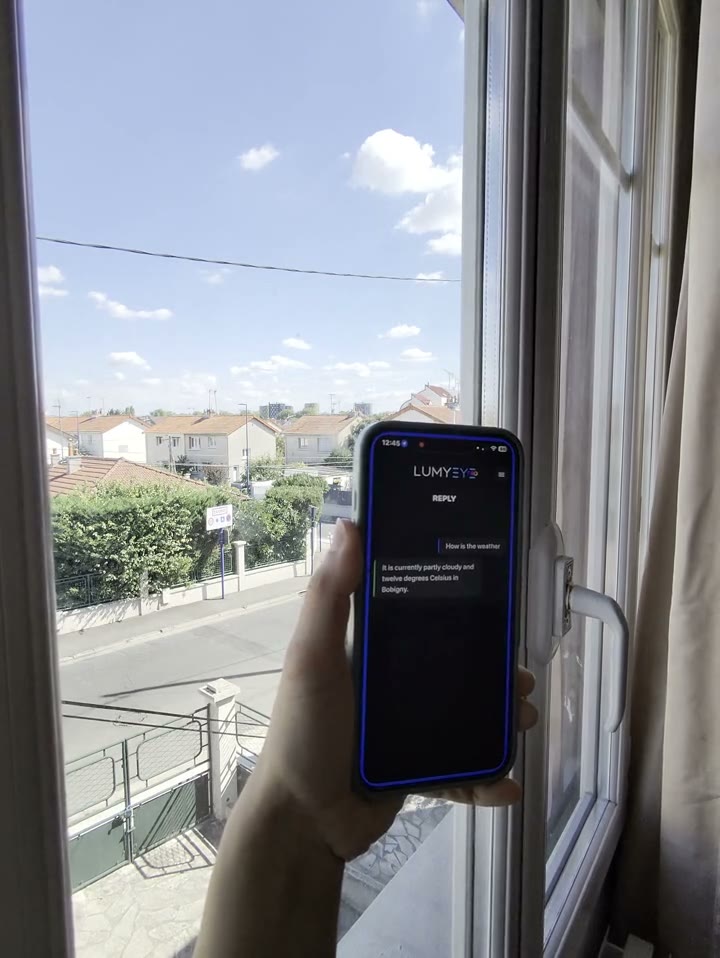
  5. Combine with weather voice. Right after picking your outfit, ask for the day's weather. Two pieces of info, dressed in 2 minutes.

Try Lumyeye Pro.

Lumyeye Pro on iPhone 16+, from $16.99/month. Free trial, no credit card.

Download Lumyeye See all demos

Direct download

Try Lumyeye Pro in 1 tap.

40 free queries · no credit card · no account required.

Download on the App Store →