Sample transcript and context
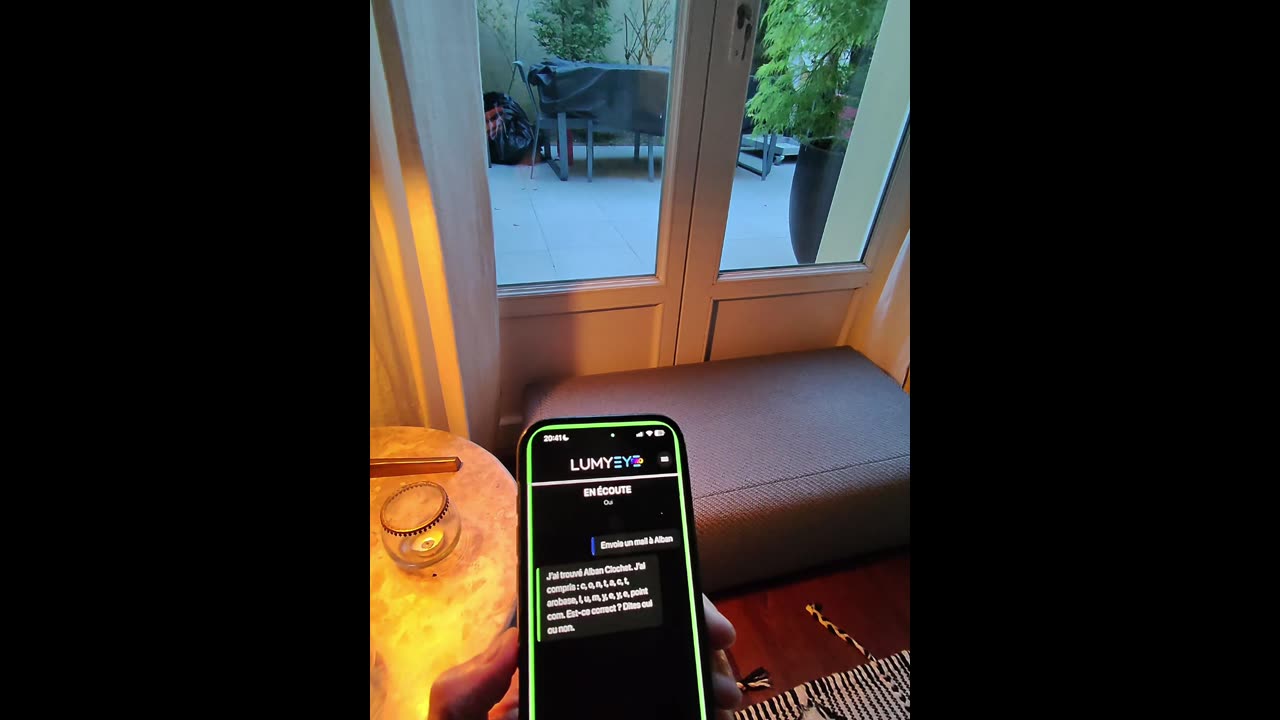
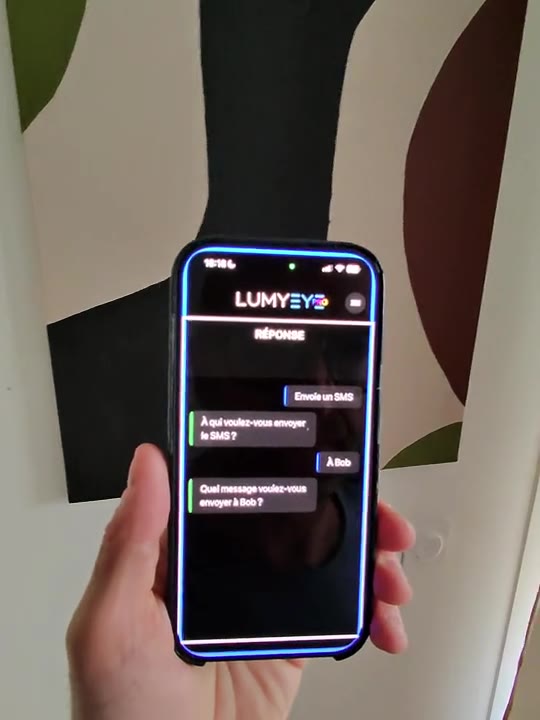
"Call Dad." Lumyeye Pro automatically searches the contacts saved on the phone for Dad and starts a standard phone call.
The phone then displays its normal confirmation. With VoiceOver on iPhone or TalkBack on Android, move to the Call button and activate it. The call begins after that accessible confirmation.
This separates the two jobs clearly: Lumyeye Pro finds the right saved contact and initiates the request; iOS or Android handles the final confirmation and the call itself.