Eye-level camera Upcoming
With the upcoming connection, the glasses will make the use natural: look, ask, Lumyeye Pro answers.

Smart glasses compatibility

Hands-free AI glasses compatibility coming soon in Lumyeye Pro. Upcoming
For a blind, visually impaired or low vision user, Ray-Ban Meta provide an eye-level camera, microphones and speakers. Lumyeye Pro will soon provide the voice-first intelligence layer on iPhone Upcoming: reading, description, Live Vision, camera questions, calls, texts, mail, Google Maps and Spotify by voice.
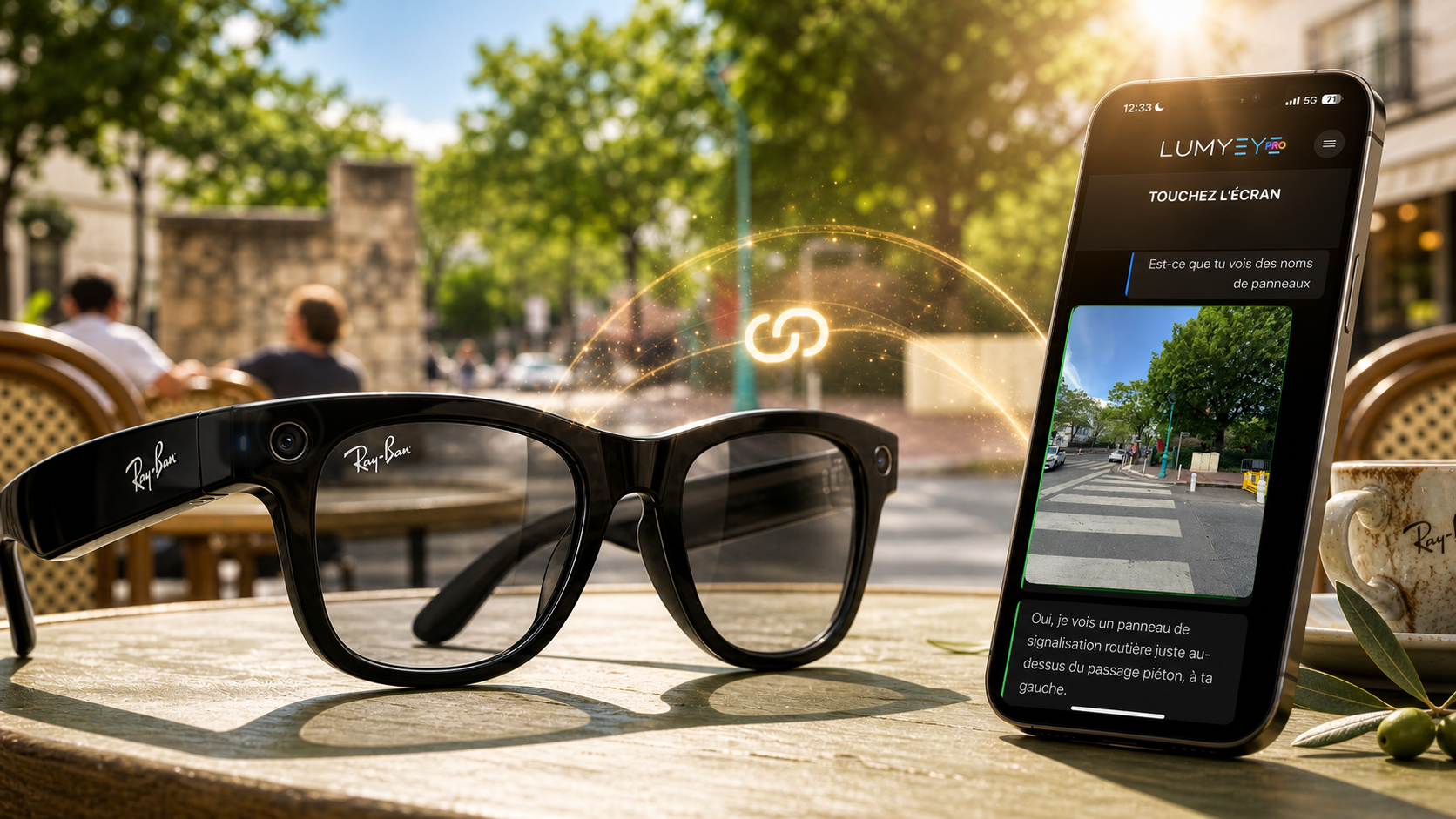
Upcoming Short answer: Ray-Ban Meta connection is coming soon with Lumyeye Pro for blind and low vision users. The glasses will act as a camera and audio relay while the iPhone runs Lumyeye Pro. This page answers queries like “Ray-Ban Meta blind” and “Ray-Ban Meta low vision” without presenting the glasses as an autonomous navigation tool.
New in Lumyeye Pro
Soon with Lumyeye Pro, Ray-Ban Meta Gen 2 will let you access 100% of Pro features while the iPhone stays locked in your pocket. A simple tap on the temple starts listening; another tap stops it immediately, whenever you want.
Outside, this is reassuring and practical: fewer gestures on the iPhone, less attention pulled toward the screen, while Lumyeye Pro remains ready to read, describe, call, text, guide, or answer through Live Vision.
*Ray-Ban Meta® is a registered trademark of its owners. Official logo used only to identify product compatibility. Lumyeye does not claim any affiliation, official certification, or partnership with Ray-Ban, Meta, or EssilorLuxottica.
Product truth
With the upcoming connection, the glasses will make the use natural: look, ask, Lumyeye Pro answers.
Lumyeye Pro keeps calls, texts, mail, calendar, Maps, Spotify and web search.
It is a visual and voice assistant, not an autonomous navigation tool.
Related guides
Sources
FAQ
Yes. Ray-Ban Meta connection is coming soon in Lumyeye Pro.
It keeps hands free and places the camera naturally at eye level.
Not if iPhone + upcoming Ray-Ban Meta connection cover your needs Upcoming; Lumyeye Pro adds the voice and visual assistant.
Connection coming soon. 40 free Pro queries. No credit card.