Lumyeye - AI app for blind and low-vision users

← Video library

Administrative reading aloud

Lumyeye reads bills, official letters, tax notices, social-security letters, insurance and bank statements aloud — then spontaneously sums up the actions you need to take. Accurate OCR, table handling, letterhead support.

Sample transcript and context

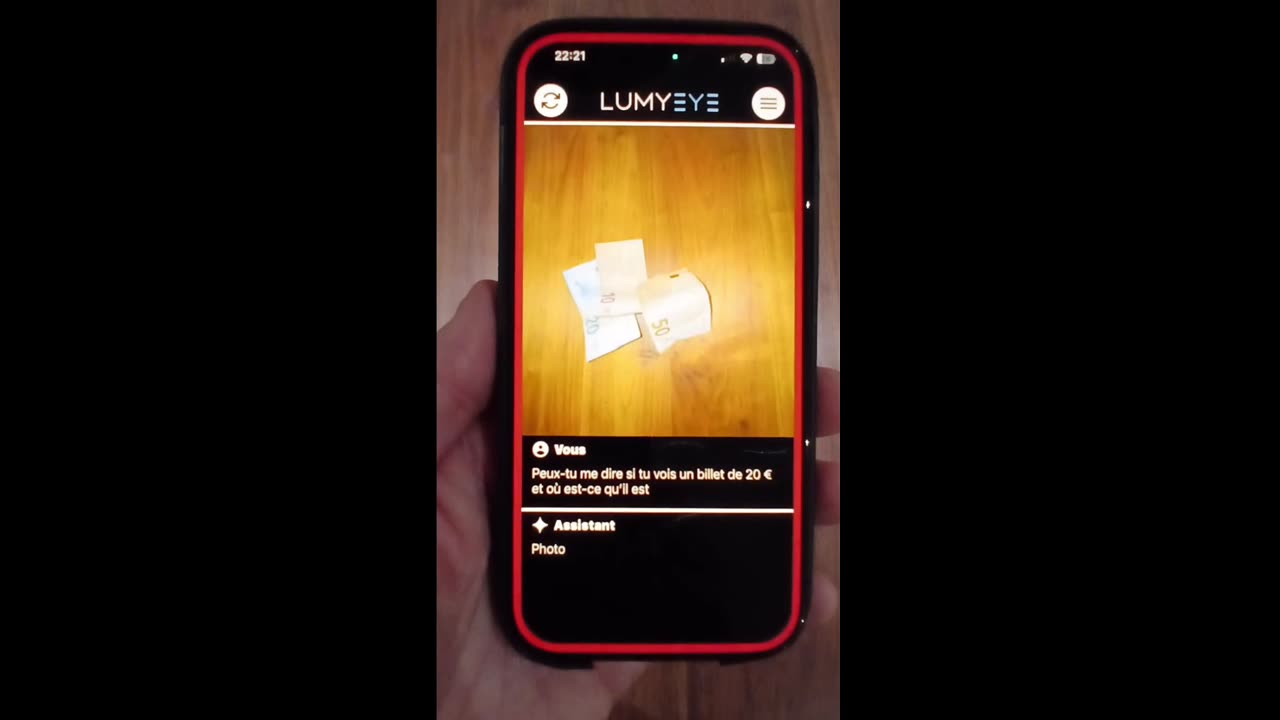
Real-world demo: a utility bill received by mail. The user photographs the document on the table. In less than two seconds, Lumyeye reads the key information aloud — amount due (34), payment date (the 10th of the month), supplier address.

Once the reading is done, Lumyeye proactively offers an action: "Would you like me to summarize the key points?" If accepted, the AI delivers a three-sentence summary that ranks the useful information (what to do, deadline, amount).

Administrative reading covers a wide range of documents: utility and phone bills, tax letters, social-security letters, disability allowance notices, insurance and bank statements. OCR is accurate on machine-printed type and handles letterheads correctly — a common failure point for competing tools.

Particularly useful: handling of multi-column tables (bank statements, claims summaries) that Lumyeye reads row by row without mixing columns. For many users, this feature alone justifies the subscription — it replaces a sighted helper or a paid reading service.
Frequently asked questions

About administrative reading.

Does Lumyeye read letters from tax authorities, social security or disability agencies?

Yes. The AI recognizes the layout of standard government letters (IRS or local tax offices, social security, disability assessment agencies, unemployment offices). It extracts the subject, the sender, any deadline and the actions you are expected to take. France-specific senders (CAF, MDPH, Pôle Emploi, Sécu) are also supported.

Can handwritten letters be read?

Partially. For clearly handwritten text, recognition runs at 70 to 85 percent. For signatures or quick scribbles, it is unreliable. Lumyeye flags handwritten passages as "difficult to read" rather than inventing content.

Can I archive and sort the letters I have read?

Yes. After reading, ask Lumyeye to archive the letter under a label ("file under Tax", "file under Health", "file under Banking"). Archiving happens locally on your iPhone (or in iCloud Drive if enabled), never on our servers.

Are the contents of my letters kept private?

Yes. Lumyeye runs the initial OCR locally, then sends only the extracted text (never the original image) to the AI for analysis. Nothing is retained on Lumyeye servers after the session. GDPR aligned and audited annually.

Testimonial

"My utility bills, my tax filings, my disability paperwork... I used to open my mail in tears because I couldn't read any of it alone. With Lumyeye, I clear my mail on Tuesday mornings in 30 minutes. Everything sorted, everything understood. I got my paperwork dignity back."

Yvette, 76 · AMD + diabetes

Practical tips

Get the most out of this feature.

  1. 1
    Set up a weekly mail routine Pick a fixed slot (Tuesday morning, Sunday evening) to clear the week's mail. Lumyeye Pro saves time, but a regular cadence prevents anxious pile-up.
  2. 2
    Photograph the envelope first Before opening, photograph the envelope. Lumyeye Pro identifies the sender (logo, return address) and tells you the likely priority: "probably from the tax office, handle quickly".
  3. 3
    Ask for urgency during reading While Lumyeye is reading, ask "is this urgent?" or "what's the deadline?". The app answers aloud. You decide on the spot what goes in the priority pile, without having to re-read everything later.
  4. 4
    Ask for a summary on long letters For anything over two pages (a contract, an addendum, a long notice), ask "summarize this letter". Lumyeye Pro reads the four or five key points in 20 seconds; you can then decide whether you want the full read.
  5. 5
    Email yourself a copy At the end of a reading, say "email me this letter": Lumyeye Pro sends the transcribed text to your inbox. Useful for retrieving the information later, forwarding to a caregiver or social worker, or keeping a digital record of paper mail.

Try Lumyeye.

Lumyeye Classic on iOS and Android. Lumyeye Pro on iPhone. Free trial, no credit card.

Download Lumyeye See all demos