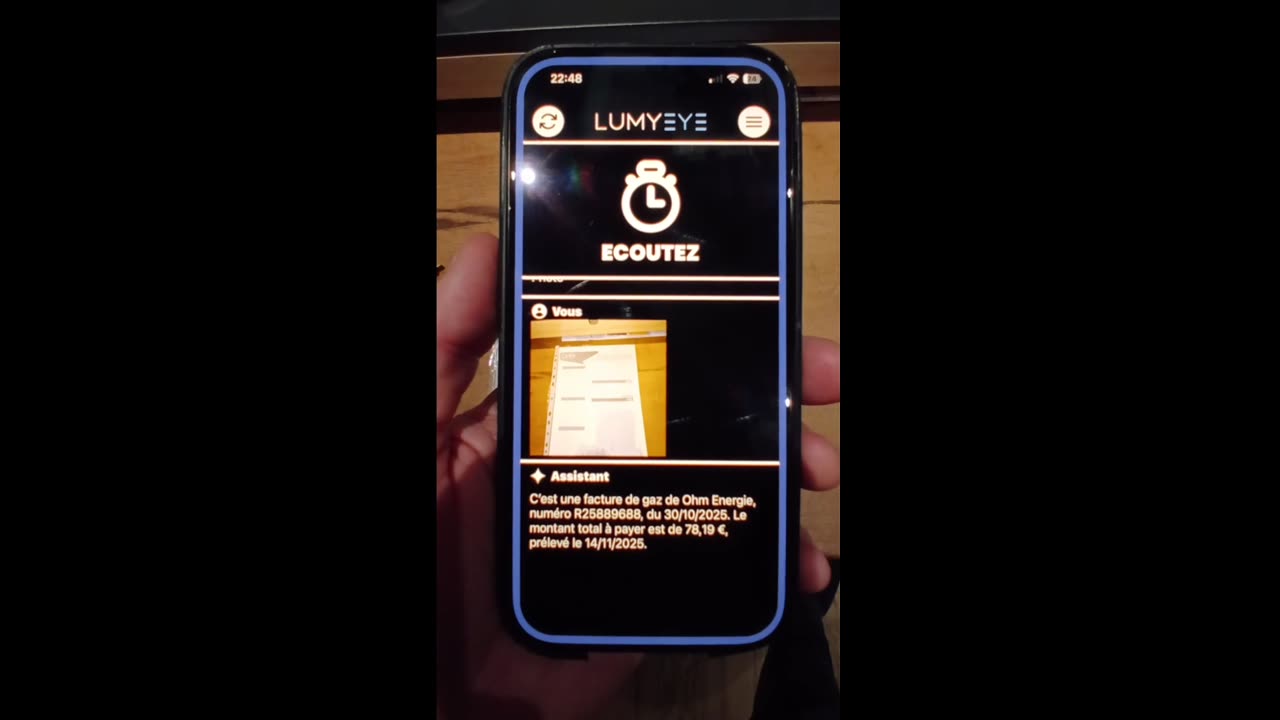
Lumyeye - AI app for blind and low-vision users

← Video library

Lucas's crash test

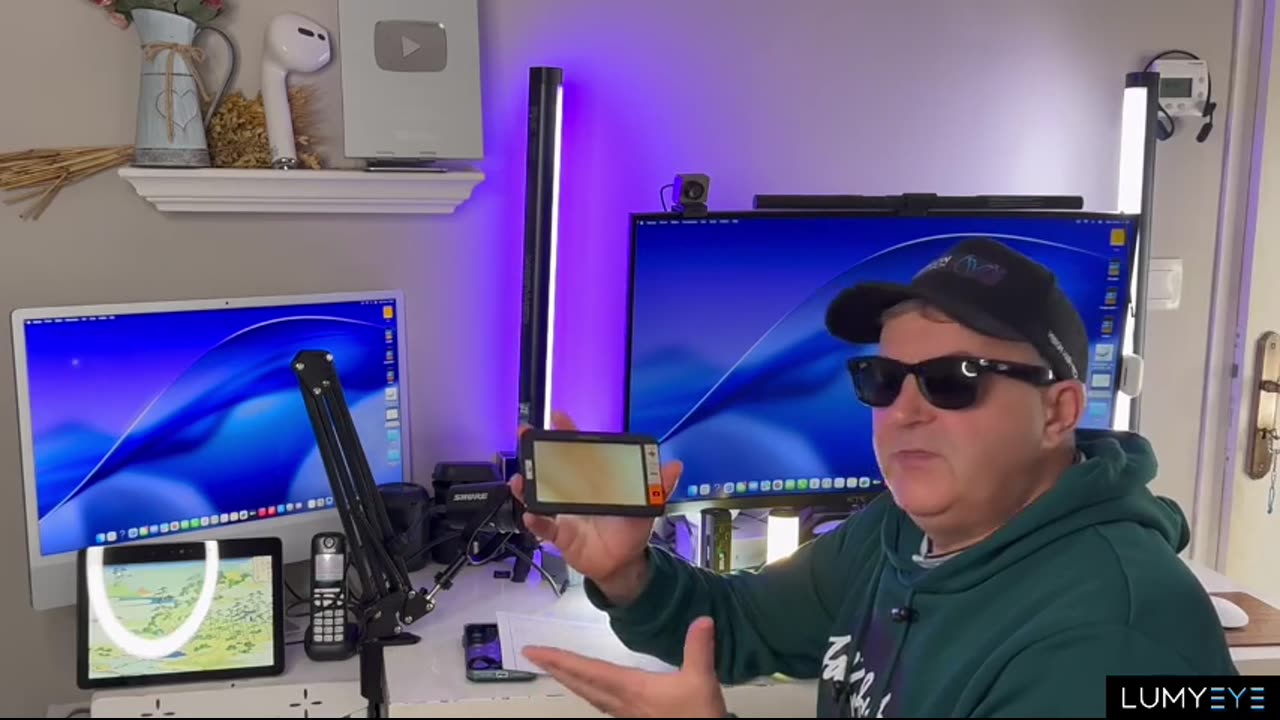
Lucas, 28, blind since birth, puts Lumyeye through 7 days of intensive everyday use. An uncompromising verdict against native VoiceOver.

Sample transcript and context

Lucas is 28. Blind since birth, he has known VoiceOver inside out since his teens. When we offered him a full week to try Lumyeye, he agreed on one condition: no scripting, no staging, and a verdict free of compromise.

For 7 days, Lucas put Lumyeye through the real-world routines: reading email in the morning, locating clothes in the closet, identifying objects in the kitchen (cans, opened packages, fruit on the counter), crossing a busy intersection at rush hour.

His verdict: "Faster than VoiceOver 80 percent of the time." What he liked: a warm native voice that isn't the system's synthetic voice; response times that are usually under a second; and, above all, the complete absence of menus to drill through before reaching information.

What can be improved, according to Lucas: handwriting recognition, still imperfect on quick notes and Post-its. Overall positive. A week after the test, Lucas hadn't uninstalled Lumyeye: he kept it alongside VoiceOver, which he still uses for the most technical tasks.
Frequently asked questions

About Lucas's crash test.

How old is Lucas and what's his background?

Lucas is 28, blind since birth, a software engineer. He has been reviewing accessibility apps on his YouTube channel for 6 years. His method: 7 consecutive days of intensive use, no prior contact with the app's publisher.

Did Lucas keep using Lumyeye after the test?

Yes. In a follow-up posted 3 months after the initial test, Lucas confirms he uses Lumyeye daily, especially for email reading and object recognition. He has partially replaced VoiceOver with Lumyeye for those two use cases.

Have other independent reviewers tested Lumyeye?

Yes. Several accessibility content creators have tested Lumyeye independently. See the reviews from Christophe (training expert), Sandra (AMD), Marc (retiree). All published without financial compensation from Lumyeye.

What pain points did Lucas raise?

Lucas flagged: (1) handwriting recognition needs work, (2) battery drain during long Vision Live sessions, (3) high monthly price on a student budget. The Lumyeye team has since improved points 1 and 2; point 3 is partly mitigated by the 40 free queries with no account required, which let you try Pro before paying.

Testimonial

"I watched Lucas's video in March. The fact that he's blind from birth and that he kept Lumyeye sealed it for me. I have retinitis pigmentosa, I've been testing for 2 months — it's the best accessibility app I've installed in 10 years."

Antoine, 28 · Retinitis pigmentosa

Practical tips

Get the most out of this feature.

  1. 1
    Run your own 7-day trial Lucas's method is excellent: use Lumyeye intensively for one full week before judging. You'll discover uses you hadn't thought of and surface your real priority scenarios.
  2. 2
    Identify your three priority use cases After a week, ask yourself which three features you actually use every day. For Lucas: email, object lookup, supermarket labels. Yours may differ. Focus on those.
  3. 3
    Compare with your current setup If you already rely on VoiceOver, Seeing AI or Be My Eyes, keep them in parallel for 7 days. Objectively compare speed, voice quality and reliability. Lumyeye is not meant to replace everything — it's meant to complement.
  4. 4
    Follow the community On the Lumyeye forum and social networks, other users share tips. Following the community accelerates your learning curve and reveals advanced workflows not in the docs.

Try Lumyeye.

Lumyeye Classic on iOS and Android. Lumyeye Pro on iPhone. Free trial, no credit card.

Download Lumyeye See all demos